
Unusual Activity Tracking
Unusual Activity Tracking helps businesses identify work patterns that may impact productivity, security, or compliance. With TeamTrackin, teams can spot abnormal employee behaviour early, understand work habits clearly, and take action based on real data, not assumptions.
What You Get with Unusual Activity Monitoring
TeamTrackin's unusual employee activity tracking tool gives you clear visibility into how work actually happens. You can detect productivity gaps, identify burnout risks, and ensure employees follow company work policies all while maintaining transparency and accountability.
This feature is especially useful for remote teams, hybrid workplaces, and growing businesses that need reliable insights into daily work behavior.
What Is Unusual Activity Monitoring?
Unusual activity monitoring is a smart time and productivity tracking approach that analyzes employee behavior patterns instead of just logging hours. It highlights activity that falls outside normal working trends, such as extremely high activity, very low input, or no breaks during long sessions.
Rather than micromanaging, this helps managers understand why performance changes and address issues proactively.
How Detecting Unusual Employee Activity Works
TeamTrackin automatically collects activity data from keyboard usage, mouse movement, and active work time. This data is analyzed against normal work patterns to identify unusual behavior. When activity goes beyond expected limits or drops significantly, it is flagged for review.
Managers can then evaluate trends, not individual moments, ensuring fair and data-driven decisions.
Explore Activity Tracking Features
TeamTrackin's unusual activity tracking works seamlessly with other powerful monitoring tools.
Activity Level Tracking
Measure productivity levels throughout the day with clear visual indicators.
Screenshots
Capture periodic screenshots to add context to activity data while maintaining transparency.

App & Website Tracking
See which applications and websites are used during work hours to understand focus and distractions.
Real-Time Monitoring
View live activity updates to stay informed without constant check-ins.
Key Patterns Detected by Unusual Activity Monitoring
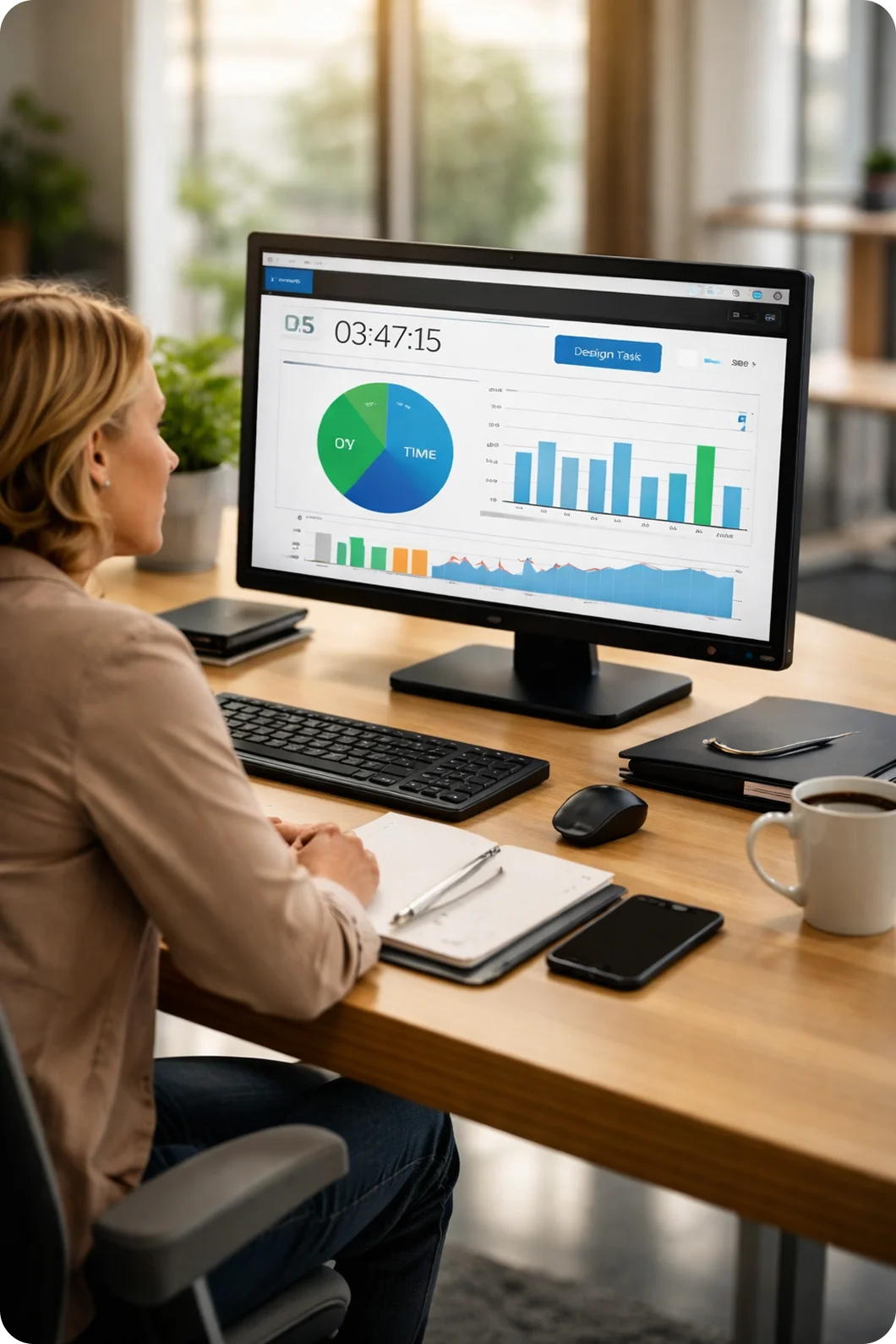
High Activity
Identifies unusually high work intensity, which may signal overtime risks, burnout, or excessive workload. Monitoring high activity patterns helps managers intervene early and redistribute tasks before employees reach a breaking point.
Consistent Activity
Shows long periods of steady activity, helping confirm focused and productive work sessions. Consistent patterns indicate strong engagement and can be used as benchmarks for healthy work habits across the team.
Low Keyboard Input
Highlights minimal typing activity, which may indicate disengagement or task mismatch. By identifying low keyboard input periods, managers can check if employees need support, better tools, or a change in task assignments.
Low Mouse Input
Detects low interaction levels that could suggest idle time or workflow interruptions. Tracking mouse input alongside keyboard data gives a complete picture of employee engagement throughout the workday.
No Breaks
Flags extended work sessions without breaks, supporting healthier work habits and compliance. Encouraging regular breaks improves focus, reduces fatigue, and helps organizations maintain duty-of-care standards.
Total Instances & Total Time
Summarizes the frequency and duration of unusual activity patterns over time. This aggregate view helps managers spot recurring trends, measure improvement, and make informed decisions about workflow adjustments.
Frequently Asked Questions (FAQ'S)
Start Tracking Unusual Activity Today
Get real-time visibility into employee work patterns and productivity without micromanaging.