
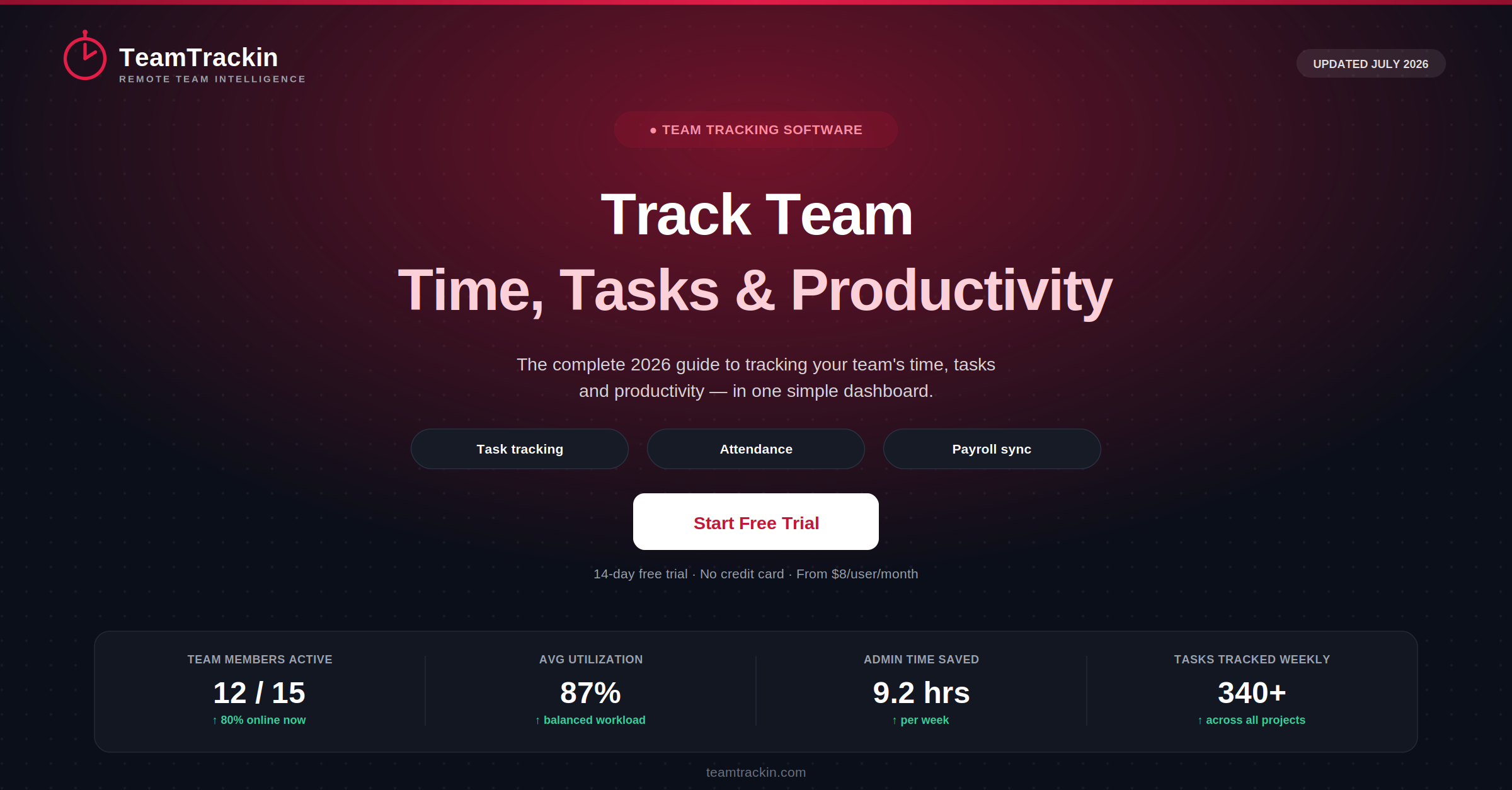
Spreadsheets and honesty-system timesheets don't scale past a handful of people. To track team performance properly, you need one place that shows who's working on what, how long it's taking, and where your team's time is actually going. Here's exactly what to look for in a team tracker — and how TeamTrackin brings time tracking, task tracking, and productivity reporting into a single dashboard.
of companies with remote workers now use time tracking software
Digital.com survey, 2026
of large employers use some form of employee tracking for remote teams
Resume Builder survey, 2026
of leaders admit they have limited visibility into what their hybrid or remote teams are doing
Toggl Productivity Index, 2025
average productivity increase measured among remote workers in Stanford's landmark work-from-home study
Stanford University (Bloom et al.)
To track team time and productivity means using software — rather than spreadsheets, verbal check-ins, or manual timesheets — to record how each team member's hours are spent across projects, tasks, and clients, and to turn that data into reports managers can actually use.
A genuine team tracker combines four things in one platform: time tracking (per-member, per-task hours), task and project tracking (what's being worked on and its status), attendance and scheduling (who's working when), and productivity reporting (utilization, workload balance, and trends across the team).
TeamTrackin brings all four into a single dashboard — making it a practical, affordable way to track a team of any size without stitching together separate tools.
What Does It Actually Mean to "Track Team"?
Tracking a team means giving managers a clear, ongoing view of how the team's time and effort are being spent — across every member, every project, and every task — instead of relying on end-of-week status updates or a shared spreadsheet that's always a day out of date.
For a solo freelancer, a simple timer is enough. The moment a second, third, or tenth person joins, the problem changes shape entirely: now you need to see everyone's time in one place, compare workload across the team, catch scheduling conflicts before they cause a missed deadline, and turn raw hours into numbers finance and clients can trust.
That's the gap a dedicated team tracker is built to close. It's not just "time tracking for one more person" — it's a management layer that sits on top of individual time entries and turns them into team-level visibility.
To track a team means using software to record each member's work hours by project and task, roll that data up into shared dashboards, and generate reports that show workload, utilization, and progress across the whole team — replacing scattered spreadsheets and manual check-ins with one accurate, real-time source of truth.
Spreadsheets vs a Real Team Tracker — The Difference
Most teams don't start with a dedicated tracker. They start with a shared spreadsheet, a few sticky notes, and a Friday status meeting — and it works, until the team grows past four or five people.
- Everyone logs hours differently — some by day, some by week, some not at all
- Manager has to manually chase people for updates before a deadline
- No easy way to see who's overloaded and who has spare capacity
- Client billing built from best-guess totals, not verified data
- Attendance and leave tracked in a completely separate document
- Payroll team re-types hours by hand from the spreadsheet
- Every member logs time the same way, in the same dashboard, automatically
- Manager sees live project and task status without asking anyone
- Workload view instantly flags who's overbooked and who isn't
- Invoices generated directly from approved, verified time data
- Attendance, leave, and time tracking live in one connected system
- Approved hours export straight into payroll — no re-typing
Toggl's 2025 Productivity Index found that a large share of team leaders admit they have limited visibility into what their hybrid or remote employees are actually doing day to day. That blind spot doesn't come from a lack of effort — it comes from tools that were never built to show team-level data in the first place.
A dedicated team tracker closes that gap by design: it's built around the team as the unit, not the individual, so visibility is the default rather than something you have to manually assemble every week.
6 Features Every Team Time Tracking Software Needs
Plenty of tools call themselves a "team tracker." These six features separate the ones that genuinely support a team from the ones that are really just a single-user timer with more logins.
How Team Tracking Works, Step by Step
The mechanics of tracking a team are simple once the right pieces are connected. Here's the flow from a single clock-in to a payroll-ready report.
Start small and expand — don't roll it out all at once
Teams that adopt tracking successfully almost always start with one project or one small team, let people get comfortable with it for two to three weeks, and only then expand it company-wide. Rolling it out to everyone on day one, with no explanation of why it's happening, is the single biggest reason team tracking initiatives get resisted.
Rule of thumb: Teams that introduce a shared tracker with a short explanation of why it's being used, and give members access to their own data from day one, see far less pushback than teams where tracking is switched on silently by IT or HR.
See your team's time in one dashboard.
TeamTrackin sets up in minutes — no per-project spreadsheets, no separate attendance app.
Privacy & Trust: Tracking a Team the Right Way
Tracking a team only works if the team trusts the system. Handled badly, tracking software feels like surveillance. Handled well, it's simply the way work gets organized — and most employees stop thinking about it within a few weeks.
Transparency first: Every team member should know tracking is in place, what data is collected, and how it's used — this is expected practice globally and a legal requirement in many jurisdictions, including under GDPR in the EU/UK and several US state privacy laws.
Good practice checklist for tracking a team:
- Disclosure:Employees are told tracking exists before it starts, not after
- Scope:Tracking is limited to working hours and work-related activity
- Self-access:Every team member can see their own tracked data at any time
- Proportionality:Data collected matches the actual business need — no more
- Data security:Time and activity data is encrypted and access-controlled
TeamTrackin is built around these principles — transparent tracking, member-level access to personal data, configurable monitoring scope, and enterprise-grade data security across all plans.
How TeamTrackin Helps You Track Your Team
Best Team Tracking Software Compared (2026)
| Feature | TeamTrackin | Hubstaff | Toggl Track | Clockify | Everhour |
|---|---|---|---|---|---|
| Team activity dashboard | ✓ Included | ✓ Included | ~ Paid plans | ~ Paid plans | ✓ Included |
| Task-level time tracking | ✓ Included | ✓ Included | ✓ Included | ✓ Included | ✓ Included |
| Attendance & leave management | ✓ Built in | ~ Add-on | ✗ Not available | ~ Add-on | ✗ Not available |
| Workload / utilization reports | ✓ Included | ~ Paid plans | ~ Paid plans | ~ Paid plans | ✓ Included |
| Client invoicing | ✓ Direct invoicing | ~ Add-on | ✗ Not available | ~ Add-on | ✓ Included |
| Payroll integration | ✓ Included | ~ Paid plans | ✗ Not available | ~ Paid plans | ✗ Not available |
| Pricing | $8 / user / mo | $9 / user / mo | $9 / user / mo | Free – $9.99 | $10 / user / mo |
Frequently Asked Questions
- What does it mean to track team time and productivity?
Tracking a team means using software to record how work hours are spent across projects, tasks, and clients — instead of relying on spreadsheets, verbal check-ins, or memory. A team tracker typically combines time tracking, task tracking, attendance, and productivity reporting into a single dashboard so managers can see, at a glance, who is working on what, how much time each project consumes, and where capacity is being used or wasted.
- What features should a good team tracker have?
A good team tracker should include per-member time tracking, task and project-level breakdowns, an activity or productivity dashboard, attendance and scheduling, exportable reports for payroll and invoicing, and configurable privacy settings so tracking stays transparent and proportionate. Tools that combine all of these in one platform reduce the need to juggle separate apps for time tracking, task management, and HR.
- Is it legal to track a team's time and activity?
Yes, tracking a team's work time and activity is legal in most countries, including the US, UK, and EU, provided it is done transparently. Best practice — and in many jurisdictions a legal requirement — is to inform employees that tracking is in place, explain what data is collected, limit tracking to working hours, and give employees visibility into their own records. Software that supports transparent, opt-in monitoring with clear reporting is generally considered compliant with GDPR, UK GDPR, and most US state privacy laws.
- How is team time tracking software different from individual time tracking apps?
Individual time tracking apps log one person's hours against tasks. Team time tracking software adds a management layer on top: it aggregates every member's time into shared dashboards, compares workload and utilization across the team, flags scheduling conflicts or overtime, and rolls captured hours up into project budgets, client invoices, and payroll exports — visibility that a single-user timer cannot provide.
- How much does team time tracking software cost?
Team time tracking software typically ranges from free plans with limited features to $8–10 per user per month for full-featured platforms that include task tracking, attendance, reporting, and payroll integration. TeamTrackin offers the full feature set — team dashboards, task-level tracking, attendance, and invoicing — starting at $8 per user per month, with a 14-day free trial and no credit card required.