
It started as a simple solution. A spreadsheet. A printed form. A shared Google Sheet with everyone's hours logged in by hand every Friday. And for a while, it worked — sort of. But if your business has grown beyond a handful of people, you've probably felt the cracks: missing entries, formatting errors, version conflicts, and payroll corrections that eat up hours of admin time each month. The humble timekeeping sheet had its day. But there's a better way. A timekeeping sheet is a document — physical or digital — used to record the hours worked by employees or contractors. Traditionally, these are simple grids: employee name, date, start time, end time, total hours, and sometimes a project or task code. They've been used in businesses of all sizes for decades. And they serve a purpose — but only up to a point. Manual timekeeping seems harmless. But when you look closely at the true cost, the picture changes quickly. Maths mistakes, wrong dates, and accidental overwrites are a daily reality with spreadsheet-based timekeeping. Every error is a potential payroll problem. Someone has to collect, check, consolidate, and process those sheets every pay period. For a team of 20, that's easily 3–5 hours of admin work per cycle. A timekeeping sheet tells you what happened — after the fact. There's no live view of who's working on what, no way to spot problems until they've already become expensive. Want to know which project consumed the most hours last quarter? Or which client is least profitable? A spreadsheet won't tell you without significant manual effort. If a dispute arises over hours worked or pay, manual sheets offer little protection. Digital systems create tamper-evident records that protect both employer and employee. To be fair, timekeeping sheet templates have their place. If you're a sole trader or have two or three people on your team, a simple template may be all you need. Here's a basic structure that works for small operations: For very small teams, this covers the basics. But the moment you start scaling — more people, more clients, more complexity — this approach breaks down fast. Growing businesses are replacing manual sheets with automated timekeeping software — and the results speak for themselves. Here's how the comparison stacks up: The time saved alone pays for itself many times over. TeamTrackin was built specifically to take everything that works about timekeeping sheets — simplicity, clarity, accountability — and supercharge it with automation, real-time data, and team-wide visibility. Here's what the transition looks like in practice: Import your team, set up your projects and clients, and you're live. TeamTrackin's onboarding is designed to be frictionless. With one-click time logging and mobile access, your team logs hours from wherever they work — without needing reminders or chasing. Instead of spending hours consolidating sheets, you pull a report in seconds. Filter by employee, project, or date range. Export to payroll or invoicing instantly. Now you have real data. Which projects run over time? Which clients are most demanding? Where can you price higher? TeamTrackin gives you the intelligence to answer these questions. If you're still on the fence, consider this simple calculation: Average admin time on manual timekeeping: 4 hours/month Average cost of payroll errors: £500–£2,000/year (UK average) Unbilled hours due to poor tracking: 2–5% of total revenue For most businesses, switching to automated timekeeping pays for itself within the first month — often in the first week. The data you're collecting — hours worked, tasks completed, projects tracked — is incredibly valuable. But only if it's accurate, accessible, and actionable. A paper form or spreadsheet keeps that data locked away, riddled with errors, and useless for real decision-making. TeamTrackin sets it free.What Is a Timekeeping Sheet?
The Real Problems With Manual Timekeeping Sheets
Human Error Is Inevitable
They're a Time Sink for Admin Teams
Zero Real-Time Visibility
No Reporting Capability
No Audit Trail
Timekeeping Sheet Templates: When They Make Sense (and When They Don't)
The Timekeeping Sheet Upgrade: What Modern Teams Use Instead
How TeamTrackin Replaces Your Timekeeping Sheet — Without the Headache
Week 1: Setup Takes Minutes, Not Days
Week 2: Your Team Adapts Naturally
Week 3: You See the Difference in Reporting
Month 2 Onwards: You Start Optimising
Making the Business Case: Why It's Worth Switching Now
Your Timekeeping Sheet Deserves a Promotion
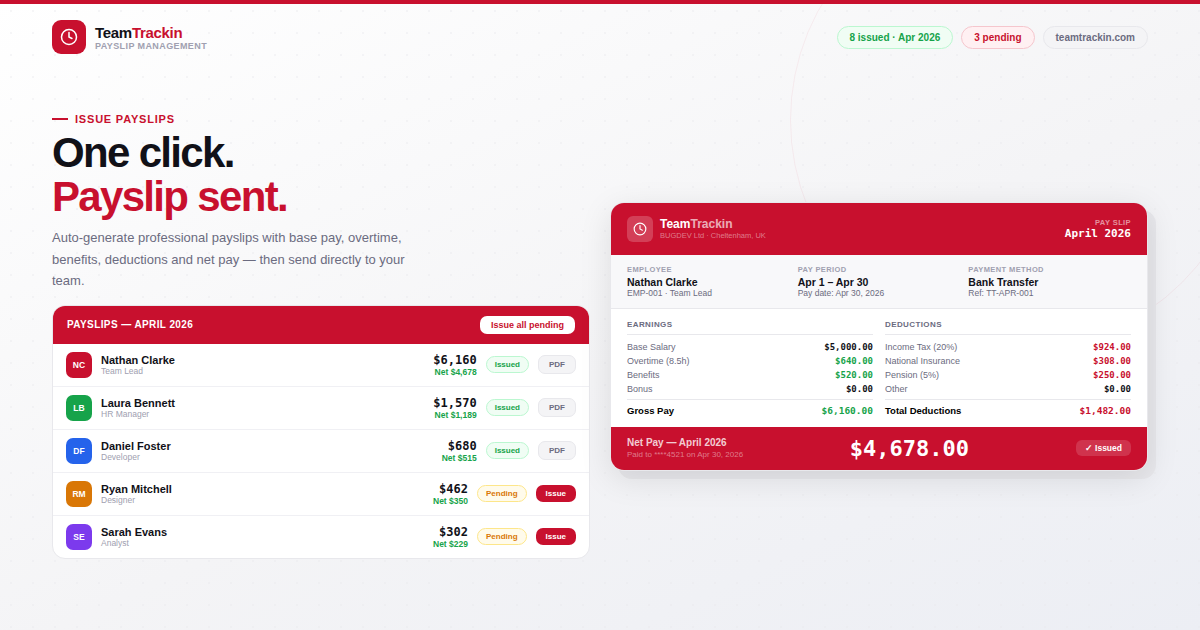
Timekeeping Sheets Are Costing You More Than You Think, Here's the Modern Fix
Ready to see what accurate, automated time tracking looks like for your team?
Start your free 14-day trial of TeamTrackin today — no credit card required, full access from day one.
Start Free Trial