
Single-site timeclock tools work fine right up until you open a second location — then wage rules, attendance data, and payroll stop lining up. TeamTrackin is timeclock software built for multiple locations from the start: one login, per-site rules, and payroll that rolls up cleanly across every branch. Try it free — no credit card, setup in about 3 minutes.
Timeclock software for multiple locations centralizes attendance data from every site into one dashboard, applies different wage and overtime rules automatically by location, and consolidates approved hours into a single payroll run — instead of reconciling each branch's numbers by hand.
TeamTrackin is timeclock software built for multi-location businesses, supporting unlimited sites under one account with per-location reporting, priced per user rather than per site — starting with a 14-day free trial and no credit card required.
Why Single-Site Timeclock Tools Break Down at Scale
A single-location punch clock or basic app works fine when there's one set of wage rules, one manager, and one place to check attendance. The moment a business opens a second location, all three of those assumptions break at once.
Suddenly there are two (or twelve, or fifty) sets of local wage rules to track, no single view of who's working where today, and a payroll process that means pulling numbers from each site separately before anyone can run a single check. Headquarters often doesn't see overtime building up at an individual branch until payroll has already closed for the period — by which point it's a correction, not a prevention.
Single-site timeclock tools break down at multiple locations because they assume one set of wage rules and one point of visibility. Multi-location businesses need per-site rules, centralized reporting, and a single payroll rollup — none of which a basic, single-location punch clock is built to provide.
What Multi-Location Timeclock Software Needs to Do
Real timeclock software for multiple locations has to solve three problems a single-site tool never has to think about: keeping wage rules straight across jurisdictions, giving managers visibility beyond their own site, and turning scattered attendance data into one clean payroll run.
That third problem compounds quickly. With 19 US states raising minimum wage in 2026 alone, a business with locations in several states can't rely on a single hardcoded pay rate — the software has to track which rules apply where, automatically, or someone ends up doing it manually every time a rule changes.
6 Features Multi-Location Timeclock Software Must Have
These are the features that separate software built for multi-location operations from a single-site tool with more logins added on.
Patched-Together Tools vs One Unified System
- Each location tracks time its own way, sometimes on paper
- Wage rule changes get applied manually, site by site
- HQ sees overtime problems only after payroll closes
- Payroll built from several separate exports, stitched together
- Buddy punching risk at every unverified site
- Every location uses the same verified tracking system
- Wage rules configured once per site, applied automatically
- Overtime and attendance issues visible in real time, company-wide
- One consolidated payroll export covering every location
- Every clock-in verified, no matter which site it's from
One system for every location you run.
TeamTrackin scales with your business — try it free for 14 days.
How TeamTrackin Handles Multi-Location Timekeeping
Staying Compliant Across States and Regions
Compliance risk multiplies with every location a business adds — each site can sit under a different minimum wage, overtime threshold, or break requirement, and those rules shift more often than most teams expect.
- Per-site rule configuration:Wage and overtime rules set individually by location
- Recordkeeping:Time and pay records retained per each applicable jurisdiction's requirements
- Audit trail:Every clock-in and edit logged, searchable by site
- Consistent enforcement:Rules applied automatically, not left to individual site managers to remember
TeamTrackin runs on GDPR-friendly architecture with AES-256 encryption, keeping timekeeping data secure and audit-ready across every location.
Why Multi-Location Teams Choose TeamTrackin
TeamTrackin is priced per user, not per location — so growing to a second, fifth, or twentieth site doesn't mean a new contract, just more people on the same account.
Timeclock Software for Multi-Location Teams Compared
| Feature | TeamTrackin | Hubstaff | Toggl Track | Clockify |
|---|---|---|---|---|
| Per-site wage rules | ✓ Included | ~ Paid plans | ✗ Not available | ~ Paid plans |
| Per-site dashboards | ✓ Included | ~ Paid plans | ~ Paid plans | ~ Paid plans |
| Priced per site or per user | Per user | Per user | Per user | Per user |
| Consolidated payroll export | ✓ Included | ~ Paid plans | ✗ Not available | ~ Paid plans |
Frequently Asked Questions
- What is the best timeclock software for multiple locations?
The best timeclock software for multiple locations centralizes attendance data from every site into one dashboard, applies different wage and overtime rules automatically by location, and rolls approved hours up into a single payroll run instead of reconciling each branch separately. TeamTrackin is built around exactly this — one login for every location, with per-site reporting built in.
- How does timeclock software handle different wage rules across locations?
Multi-location timeclock software lets admins configure wage rates, overtime thresholds, and break rules per site or per region, then applies them automatically as employees clock in — so a business with locations across several states doesn't need to manually track which rules apply where. This matters more each year: 19 US states raised their minimum wage in 2026 alone.
- Can timeclock software for multiple locations prevent time theft at each site?
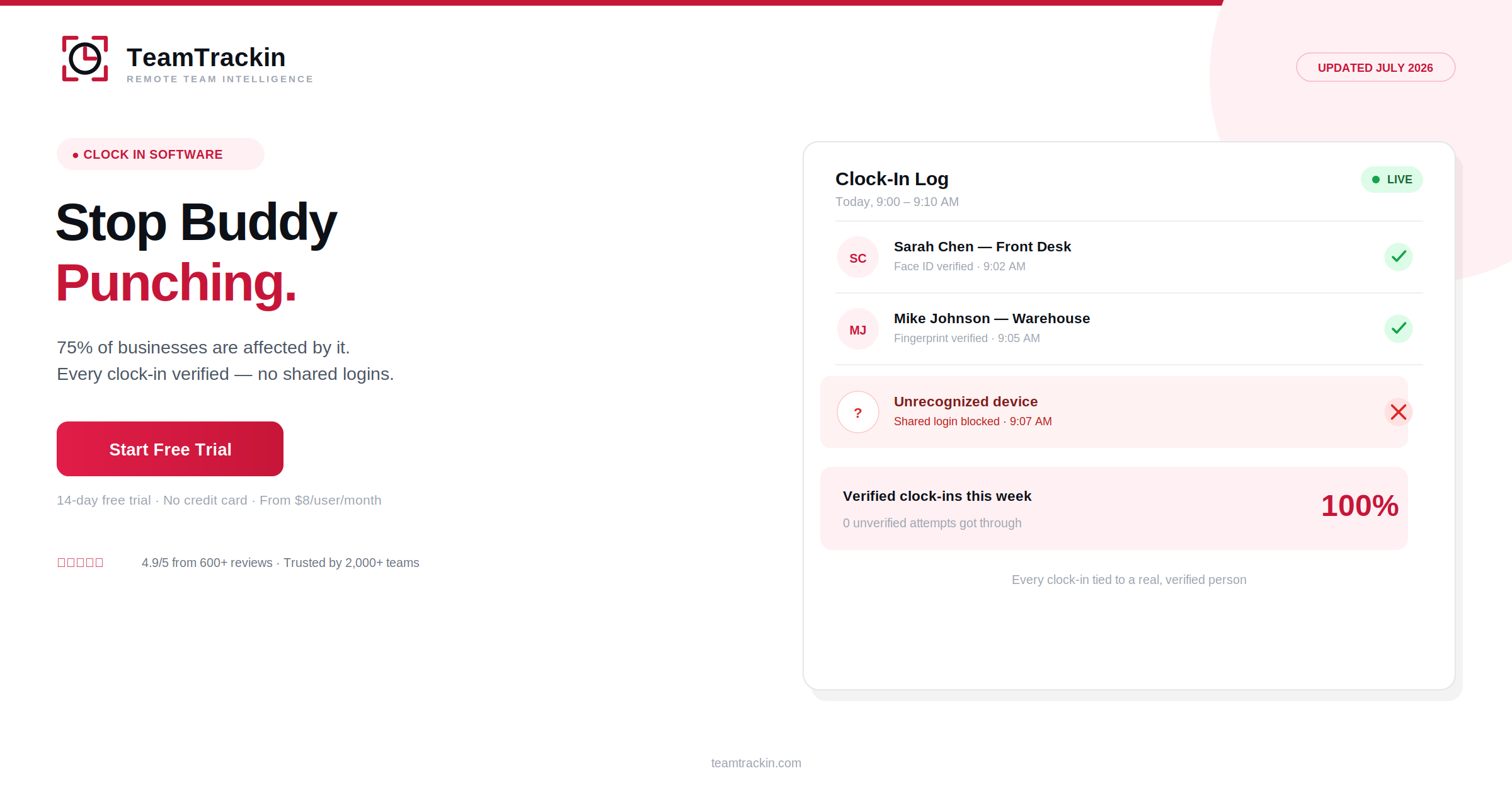
Yes, when it verifies each clock-in individually rather than relying on a shared device or PIN per location. TeamTrackin ties clock-ins to a verified login at every site, so buddy punching and shared-device workarounds don't just move from headquarters to individual branches unnoticed.
- Does TeamTrackin support multi-location businesses?
Yes. TeamTrackin supports unlimited locations under one account, with per-site attendance dashboards, configurable wage rules by location, and a single consolidated payroll export — used by retail chains, clinics, agencies, and field service businesses managing more than one site.
- How much does timeclock software for multi-location businesses cost?
TeamTrackin is priced per user rather than per location, so adding a new branch doesn't mean a new software contract — you simply add the employees at that site to your existing plan. This is typically more cost-effective for growing multi-location businesses than tools that charge per site or per device.