
Remote and hybrid work are no longer trends — they are the new standard across the US, UK, and global markets. As businesses adapt, many are turning to smarter workforce monitoring tools to maintain productivity, accountability, and transparency. One feature that often sparks debate is time tracking with screenshots. While screenshot-based tracking can strengthen accountability and support accurate billing, it also raises valid concerns about privacy and workplace trust. The real question isn’t whether it works — it’s whether it’s implemented responsibly. In this guide, we explore the practical advantages, potential drawbacks, and ethical considerations of screenshot monitoring to help businesses make informed, balanced decisions. Time tracking with screenshots is a productivity-monitoring method in which software captures periodic screen images during working hours. These images provide visual confirmation of tasks being performed and help validate recorded time entries. Organisations commonly use this feature to: Verify billable hours Monitor remote or distributed teams Improve project visibility Reduce time reporting errors Identify workflow inefficiencies When used correctly, it becomes a performance insight tool — not a surveillance system. For remote teams, visibility matters. Screenshots create a clear record of activity, which helps managers ensure projects are progressing as expected. Instead of relying purely on trust or assumptions, teams can rely on data-backed insights. Over time, this clarity reduces misunderstandings and strengthens professional accountability. For agencies, consultancies, and freelancers across the UK and US, billing accuracy is critical. Screenshots provide supporting documentation for logged hours, helping: Reduce billing disputes Improve client confidence Strengthen professional credibility Justify project costs This is particularly valuable for hourly or milestone-based contracts. Visual work snapshots help managers identify: Delays or bottlenecks Task-switching behaviour Inefficient workflows Resource allocation gaps This data allows leadership to optimise operations and improve delivery timelines without guesswork. When approached constructively, screenshot tracking can reveal productivity patterns that support employee development. Rather than penalising minor inefficiencies, organisations can use insights to: Improve training Streamline processes Support better time management habits Reduce burnout from overworking The goal should always be improvement — not punishment. Despite its advantages, screenshot monitoring is not without controversy. Employees may worry about sensitive information being captured unintentionally — such as personal messages or confidential data. This concern is especially important in regions governed by strict data protection laws, including UK GDPR and US privacy regulations. Without clear boundaries, monitoring can feel intrusive. Excessive surveillance can create stress. When employees feel constantly watched, it may: Reduce engagement Increase anxiety Lower job satisfaction Harm the workplace culture High-performing teams thrive on trust, not pressure. A screenshot only captures a single moment in time. It does not always reflect the full scope of an employee’s work. For example: Researching offline Attending calls Reading documentation Strategic thinking These activities may appear inactive, but are often critical to success. Screenshot data requires secure storage, encryption, and controlled access. Without proper safeguards, organisations risk: Data breaches Compliance violations Reputational damage Security must be a priority. If businesses choose to implement screenshot monitoring, ethical application is essential. Here are the best practices to maintain professionalism and trust. Employees should never discover monitoring by surprise. Communicate clearly: Why screenshots are used How often are they taken Who can access them How long is data retained Transparency builds cooperation rather than resistance. Organisations operating in the UK must follow UK GDPR standards, while US businesses must consider state-level privacy regulations. Key practices include: Blurring sensitive information Avoiding personal device monitoring Using encrypted storage Limiting screenshot frequency Defining retention policies Compliance protects both the employer and employee. Screenshot tracking should support productivity — not control behaviour minute-by-minute. Combine screenshot data with: Task completion rates Output quality Goal achievement Employee feedback Balanced evaluation ensures fair performance assessment. If monitoring highlights inefficiencies, address them constructively. Offer: Coaching Time management guidance Workflow improvements Process refinement When employees feel supported rather than judged, performance improves naturally. Time tracking with screenshots can be a powerful productivity tool — but only when implemented thoughtfully. For modern teams in the US and UK, the future of workforce management lies in: Transparency Respect for privacy Outcome-based evaluation Businesses that balance accountability with trust will build stronger teams, better client relationships, and sustainable growth. Technology should enhance performance, not damage workplace culture. Screenshot-based time tracking is most effective when it supports clarity, fairness, and continuous improvement. By prioritising ethical standards and open communication, organisations can create a professional environment where productivity and trust coexist.What Is Time Tracking with Screenshots?
The Advantages of Screenshot-Based Time Tracking
1. Greater Transparency and Accountability
2. Accurate Client Billing
3. Improved Project Management
4. Performance Insights and Coaching Opportunities
The Challenges and Concerns
1. Privacy Concerns
2. Impact on Employee Morale
3. Misleading Context
4. Data Storage and Security Risks
Ethical Use of Time Tracking with Screenshots
1. Be Transparent from Day One
2. Comply with Data Protection Regulations
3. Focus on Results, Not Micromanagement
4. Use Insights for Development, Not Discipline
Finding the Right Balance
Conclusion
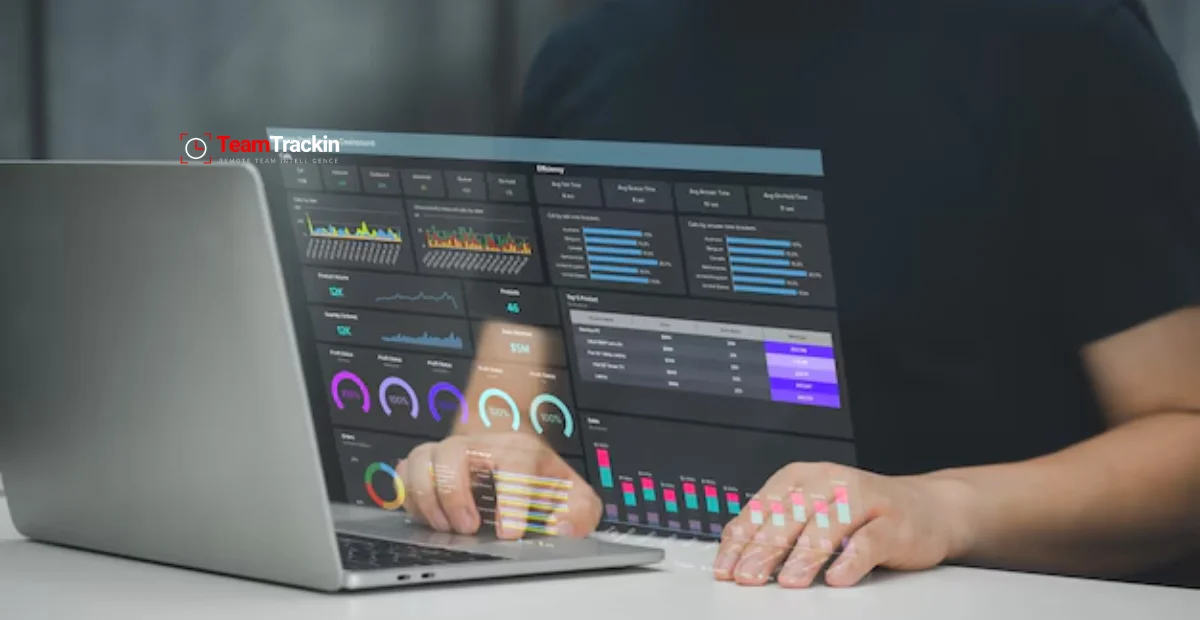
Time Tracking with Screenshots: Pros, Cons & Ethical Use
Ready to see what accurate, automated time tracking looks like for your team?
Start your free 14-day trial of TeamTrackin today — no credit card required, full access from day one.
Start Free Trial