
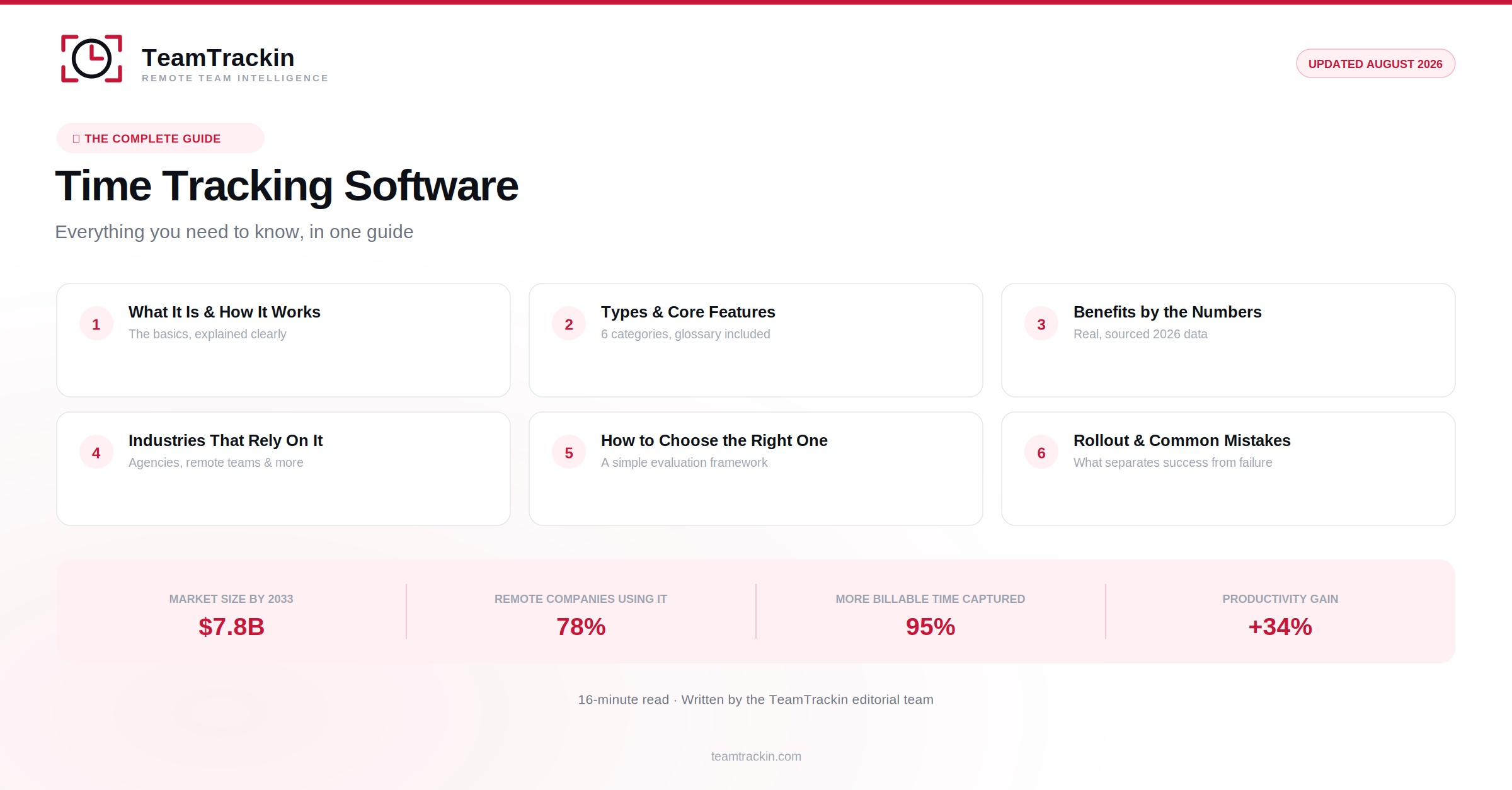
Everything you need to know about time tracking software — what it is, how it works, the different types available, the features that actually matter, and how to choose and roll it out successfully.
- The global time tracking software market is projected to grow from $3.5 billion in 2024 to $7.8 billion by 2033.
- 78% of businesses with remote workers now use some form of time tracking software.
- Only 17% of people track their time consistently without dedicated software — everyone else is estimating.
- Businesses using online time tracking software report productivity gains as high as 34%.
- Automated time tracking software captures around 95% of billable hours, compared to roughly 70% with manual methods.
What Is Time Tracking Software?
Time tracking software is a digital tool businesses and individuals use to record how work hours are spent — by task, project, or client — instead of relying on memory, paper timesheets, or manual spreadsheets. At its core, it answers one question accurately: where did the time actually go?
Modern time tracking software has grown well beyond a simple stopwatch. Today's tools typically combine time capture with task management, attendance, reporting, and integration with payroll or invoicing systems — turning a basic administrative function into a source of real operational data for the whole business.
The category includes everything from lightweight personal timers to full workforce management platforms used by companies with thousands of employees. What they all share is the same underlying purpose: replacing estimated, self-reported hours with accurate, structured data.
How Time Tracking Software Works
Most time tracking software follows a similar basic flow, regardless of which specific platform is used:
- Time capture — an employee starts a timer, clocks in, or has time recorded automatically based on activity or calendar events.
- Categorization — the time entry is tagged to a project, task, or client, either manually or through automatic rules.
- Review and approval — a manager reviews logged time before it's finalized, catching errors early.
- Reporting — approved time rolls up into reports, dashboards, or exports for payroll and billing.
The specifics vary — some tools rely entirely on manual timer starts, others capture activity passively in the background — but this capture-categorize-approve-report cycle is the backbone of nearly every time tracking software product on the market.
Types of Time Tracking Software
Not all time tracking software solves the same problem. Broadly, it breaks down into a few categories:
Manual timer-based
Employee starts and stops a timer manually — simple, but relies on consistent habits.
Automatic / passive
Captures activity in the background with minimal manual input required.
GPS / location-based
Common for field service teams — ties clock-ins to a verified location.
Project-based
Built around tracking time against specific projects and deliverables.
Monitoring-integrated
Combines time tracking with activity or screen monitoring for oversight.
Billing-focused
Built for consultants and agencies — ties tracked time directly to client invoices.
Many modern platforms, including TeamTrackin, blend several of these into one product — combining timer-based and automatic capture with reporting and payroll integration, so businesses aren't forced to choose a single narrow category.
Core Features Explained
A quick glossary of the features that show up most often when evaluating time tracking software:
- Timer / clock-in
- The basic mechanism for starting and stopping time capture — usually one click or tap.
- Timesheets
- A structured, periodic (usually weekly) summary of hours logged, ready for review and approval.
- Approval workflows
- A review step where a manager confirms logged hours are accurate before they're finalized.
- Activity monitoring
- Optional tracking of application usage, idle time, or screenshots — depth varies significantly by platform.
- Reporting & dashboards
- Visual summaries of hours, productivity, and trends across individuals, projects, or the whole team.
- Payroll integration
- A direct connection between approved hours and payroll processing, removing manual re-entry.
- Mobile apps
- Time tracking from a phone or tablet — essential for field, hybrid, and remote workers.
- Geofencing
- Restricts or flags clock-ins based on physical location — common in field service and retail.
See these features in one platform.
TeamTrackin combines time tracking, attendance, and payroll-ready reporting — try it free.
Benefits of Time Tracking Software
The value of time tracking software goes well beyond simply knowing how many hours someone worked:
Accurate payroll
Fewer disputes and errors when hours are verified, not self-reported from memory.
Better billing accuracy
Client invoices built on real, timestamped data instead of estimates.
Real productivity insight
Patterns and trends become visible that pure guesswork could never reveal.
Compliance support
Auditable records that support labor law and recordkeeping requirements.
Better project estimates
Historical time data makes future project quotes and timelines more realistic.
Remote team visibility
Structured data replaces the informal oversight an office used to provide.
Industries That Rely on Time Tracking Software
While virtually every business can use it, a few industries treat time tracking software as close to essential:
- Agencies & consulting firms — client billing depends directly on accurate tracked hours
- Remote & hybrid companies — replaces the visibility a physical office provided
- Construction & field services — location-based tracking across multiple job sites
- BPOs & outsourcing companies — proof-of-work for client SLA compliance
- Healthcare & clinics — shift-based staffing with strict compliance requirements
- Retail & hospitality — multi-location scheduling and labor cost control
How to Choose Time Tracking Software
With dozens of options on the market, a short evaluation framework makes the decision much faster:
- Ease of use — if logging time takes more than a few seconds, adoption will suffer
- Reporting depth — can it actually answer the questions your business needs answered?
- Integrations — does it connect to the payroll, accounting, or project tools you already use?
- Scalability — will it still work well at twice your current headcount?
- Transparency — can employees see their own data, or is visibility one-sided?
- Pricing model — per-user pricing is usually more predictable than per-feature add-ons
A useful test: if you can't explain what problem the software solves in one sentence, it's worth reconsidering before you buy — the best time tracking software solutions solve one clear problem well, rather than trying to do everything at once.
Rolling Out Time Tracking Software Successfully
The software matters less than how it's introduced. These steps consistently separate rollouts that stick from ones that get quietly abandoned:
Explain the "why" before launch
Employees who understand the reason behind tracking adopt it faster and more honestly.
Pilot with a small group first
Two to three weeks with a willing team surfaces problems before a company-wide rollout.
Give employees visibility into their own data
Shared access turns tracking into a shared record instead of one-sided oversight.
Set a simple, written policy
A short document on what's tracked and why removes ambiguity and rumor.
Review adoption after 30 days
Check whether the tool is actually being used consistently, and fix friction early.
Common Mistakes to Avoid
Rolling it out with no explanation
Silent implementation is consistently the biggest driver of resistance and inaccurate logging.
Choosing based on features alone
A feature-rich tool nobody actually uses delivers zero value regardless of its feature list.
One-sided visibility
Managers-only access to data reads as surveillance, even when that isn't the intent.
Ignoring the approval step
Skipping review means errors reach payroll instead of getting caught early.
The Future of Time Tracking Software
The next phase of time tracking software is increasingly shaped by AI — automatic categorization of logged time, predictive staffing suggestions based on historical patterns, and smarter anomaly detection that flags unusual entries without requiring a manager to review every line manually.
The core purpose isn't changing, though — accurate, trusted data about how work time is spent will remain the foundation everything else in this category is built on, regardless of how much automation sits on top of it.
Frequently Asked Questions
- What is time tracking software?
Time tracking software is a digital tool that records how work hours are spent — by task, project, or client — replacing paper timesheets and manual spreadsheets. It typically includes a timer or automatic capture, reporting, and often integrates with payroll or invoicing.
- What is the best time tracking software?
The best time tracking software depends on the use case, but generally combines low-effort time capture, accurate reporting, and integration with payroll or billing. TeamTrackin is built around this combination for teams of any size, with attendance, task tracking, and payroll-ready reports in one platform.
- Is time tracking software worth it for a small business?
Yes — small businesses often see a proportionally larger benefit from time tracking software than large ones, since a single billing error or payroll mistake has a bigger relative impact on a smaller operation. Most modern time tracking software is priced per user, making it accessible even for small teams.
- How much does time tracking software cost?
Time tracking software typically ranges from free, feature-limited plans to $7-15 per user per month for full-featured platforms with attendance, reporting, and payroll integration. Enterprise-grade platforms with advanced monitoring or HRMS features can cost more.
- Does time tracking software work for remote teams?
Yes — time tracking software is especially valuable for remote and distributed teams, since it replaces the informal oversight an office provides with structured, shared visibility into hours, tasks, and attendance across time zones.
Ready to see time tracking software done right?
TeamTrackin brings time tracking, attendance, and payroll-ready reporting into one simple platform — trusted by 2,000+ teams.
Explore TeamTrackin→