
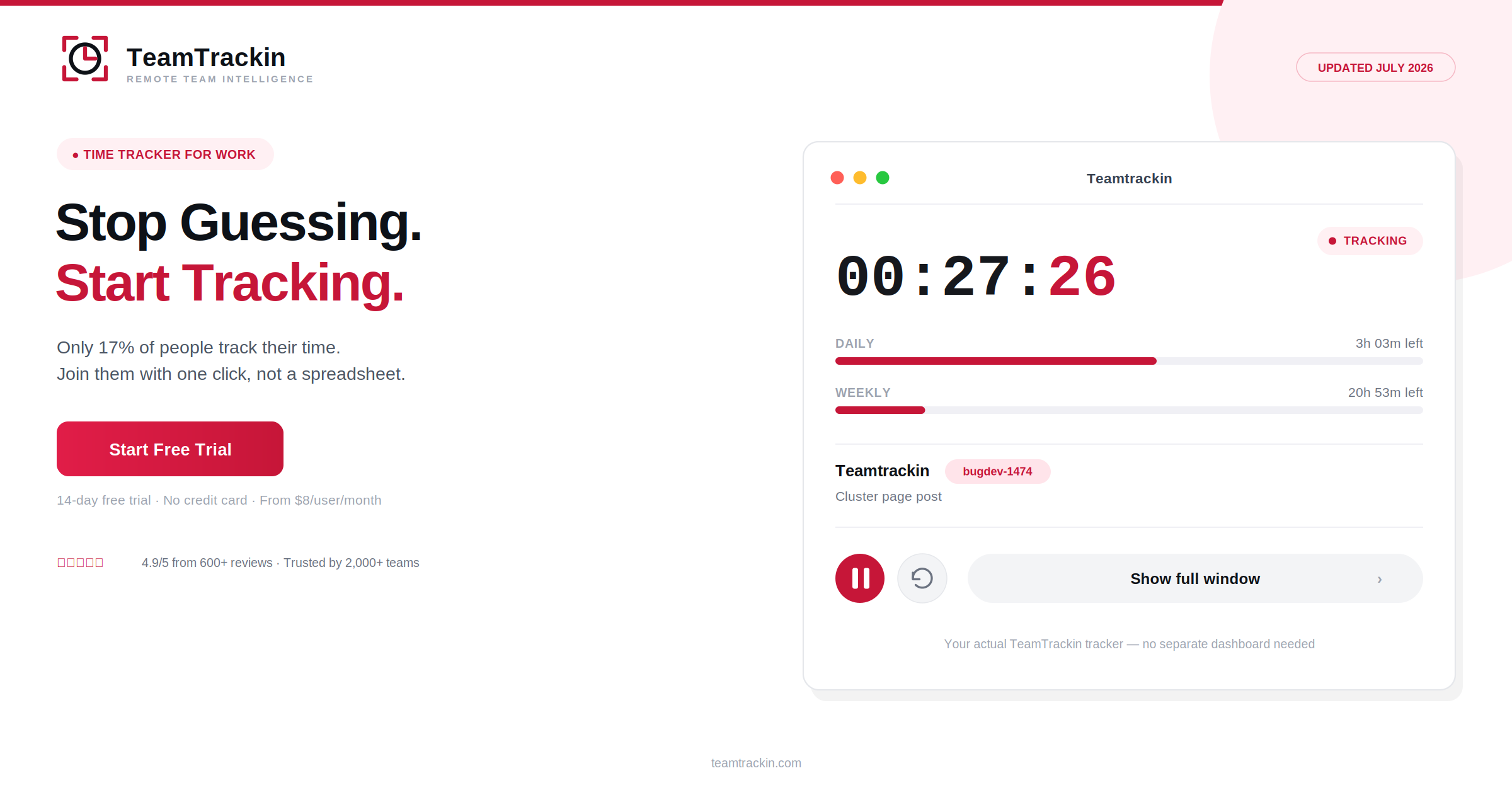
Only 17% of people actually track their time — everyone else is estimating, and estimates are wrong by as much as 50%. TeamTrackin is a time tracker for work built to close that gap automatically, so hours, tasks, and payroll all line up with what actually happened. Try it free — no credit card, no setup call, just accurate hours from day one.
A time tracker for work is a tool that records how work hours are spent — by task, project, or client — so hours worked, productivity, and payroll are based on real data instead of end-of-week guesswork.
TeamTrackin is a time tracker for work trusted by 2,000+ teams, combining low-effort time capture with automatic reporting, approvals, and payroll-ready exports — starting at $8 per user per month, with a 14-day free trial and no credit card required.
What Is a Time Tracker for Work?
A time tracker for work is software that records how working hours are actually spent — against tasks, projects, or clients — instead of relying on someone's memory of what a day or week looked like. The output is simple: accurate hours that can support payroll, billing, or a clearer picture of where time really goes.
TeamTrackin approaches this with a one-click timer and lightweight task tagging, so tracking time for work takes less effort than writing it down after the fact — which is exactly where most manual systems break down.
A time tracker for work is a tool that records hours spent on tasks, projects, or clients as work happens, replacing end-of-week guesswork with accurate, exportable data. TeamTrackin is a time tracker for work used by 2,000+ teams, with plans starting at $8 per user per month.
Why Time Tracking for Work Matters (The 17% Problem)
Here's the number that should give most teams pause: only 17% of people actually track their time. Everyone else is working from a mental estimate — and research consistently shows those estimates are off by 25% to 50%. That's not a rounding error. That's the difference between an accurate payroll run and a disputed one.
The reason isn't laziness. It's that manual tracking is genuinely tedious, so it gets skipped, batched, or reconstructed from memory days later — and memory-based timesheets are about 40% less accurate than logging time as it happens. Teams that switch to structured time tracking for work see the payoff directly: roughly 30% better billing accuracy and a real improvement in project profitability estimates.
This isn't really a "time management" problem — it's a data problem. Most people aren't bad at managing their time; they're working without any record of how it's actually spent. Fix the record, and the decisions built on top of it get better automatically.
6 Features Real Time Tracking Software for Work Needs
Plenty of apps call themselves a "time tracker." These six features are what separate the ones people actually keep using from the ones abandoned within a month.
Guessing vs Tracking Time for Work
- Hours estimated from memory, often days later
- Task time misjudged by 25–50% on average
- Payroll and billing built on rough approximations
- No record to point to if a number is questioned
- Productivity patterns stay invisible
- Hours captured in real time, as work happens
- Task time reflects what was actually done
- Payroll and billing built on verified data
- Every entry timestamped and easy to reference
- Patterns visible in a weekly or monthly report
Join the 17% who actually know where their time goes.
Start tracking in the next 3 minutes — free, no credit card.
How to Track Time for Work in Under a Minute a Day
Accurate tracking doesn't require a complicated system — it requires a system that gets out of the way.
💡 Rule of thumb: If tracking time takes longer than the task itself, the tool is wrong, not you. The fix is a lower-friction tracker, not more willpower.
TeamTrackin: A Time Tracker for Work Hours Built for Real Teams
TeamTrackin was built around one goal: make tracking time for work easy enough that people actually do it, and useful enough that the data is worth having once they do.
Time Tracker for Work Compared (2026)
| Feature | TeamTrackin | Hubstaff | Toggl Track | Clockify |
|---|---|---|---|---|
| One-click timer | ✓ Included | ✓ Included | ✓ Included | ✓ Included |
| Attendance & leave built in | ✓ Included | ~ Add-on | ✗ Not available | ~ Add-on |
| Payroll-ready exports | ✓ Included | ~ Paid plans | ✗ Not available | ~ Paid plans |
| Average setup time | ~3 minutes | ~15–20 minutes | ~10 minutes | ~10 minutes |
| Pricing | $8 / user / mo | $9 / user / mo | $9 / user / mo | Free – $9.99 |
Frequently Asked Questions
- What is the best time tracker for work?
The best time tracker for work is one that captures hours with minimal manual effort, organizes them by task or project automatically, and turns them into reports you can actually use for payroll, invoicing, or performance reviews. TeamTrackin is built around exactly that — low-effort tracking that sets up in about 3 minutes and works across desktop and mobile.
- How do I track time for work accurately?
Track time for work accurately by logging it as you work rather than reconstructing it later — memory-based timesheets are roughly 40% less accurate than real-time tracking. Use a tool with a one-click timer or lightweight automatic capture, tag entries by task or project as you go, and review the data weekly rather than trying to recall an entire week from memory.
- What features should time tracking software for work include?
Time tracking software for work should include a fast, low-friction way to start and stop tracking, task and project tagging, automatic reporting, mobile access, and export options for payroll or invoicing. If logging time takes more effort than the task itself, adoption drops and the data becomes unreliable within weeks.
- Can a time tracker for work hours help with payroll?
Yes. A time tracker for work hours that includes approval workflows and payroll-ready exports removes the manual step of re-typing hours into a payroll system, which is one of the most common sources of payroll errors. TeamTrackin routes tracked hours through approval and exports them in payroll-ready formats automatically.
- Is TeamTrackin a good time tracker for work?
Yes. TeamTrackin is used by more than 2,000 teams, holds a 4.9/5 rating from over 600 reviews, and combines time tracking, attendance, and payroll-ready reporting in one platform starting at $8 per user per month, with a 14-day free trial and no credit card required to start.