
Choosing the best time tracking software shouldn’t feel like guesswork. If you’re running a distributed team in 2026, whether remote, hybrid, or global, you already know that time tracking is no longer optional. It’s the backbone of productivity, payroll accuracy, and project profitability. Two tools often come up in this conversation: TeamTrackin and Toggl. Both are popular. Both promise simplicity. But when it comes to choosing the best time tracking software, the differences matter more than the similarities. This honest comparison breaks it all down, features, usability, compliance, and real-world use cases, so you can decide what actually works for your team. Before comparing tools, let’s get one thing straight: Time tracking today isn’t just about logging hours, it’s about: Managing distributed teams efficiently Ensuring accurate payroll and attendance Tracking project profitability in real time Staying compliant with regulations like GDPR (especially in the UK) The best employee time tracking software does all of this without slowing your team down. TeamTrackin is an all-in-one workforce management platform designed for modern teams. It combines time tracking, employee monitoring, project management, and payroll-ready reporting. Toggl (specifically Toggl Track) is a lightweight time tracking tool focused on manual timers and reporting. The key difference? TeamTrackin = Full business solution Toggl = Simple time tracker Now let’s go deeper. Automatic time tracking (no manual timers) Tracks activity in the background Reduces human error completely Manual start/stop timers Requires user discipline Easy to forget or misreport hours Verdict: If you want accuracy without effort, TeamTrackin clearly leads. This is what defines the best remote employee time tracking software today, automation. Activity tracking (apps & usage) Optional screenshots No keystroke logging (privacy-friendly) GDPR-conscious design No monitoring features Focused purely on time logging Verdict: Toggl is great for trust-based environments, but lacks visibility. TeamTrackin strikes a balance between productivity and privacy, making it the best software for tracking employee time and attendance in structured teams. Tracks time by project, client, and task Budget tracking in real-time Kanban boards and workflow visibility Basic project tagging Limited task-level insights No built-in project management Verdict: If you run an agency or service business, TeamTrackin doubles as the best project management software with time tracking. Payroll-ready reports Overtime and leave management Integrates with tools like Xero, QuickBooks, ADP No payroll system Requires third-party integrations Verdict: TeamTrackin saves hours of admin work every month. Toggl adds extra steps. Setup in under 10 minutes Automated tracking reduces training needs Works across desktop platforms Very simple interface Easy to start But requires ongoing manual use Verdict: Toggl wins on simplicity. TeamTrackin wins on long-term efficiency. All-in-one pricing No need for multiple tools Better ROI for growing teams Lower starting cost But limited features May require extra tools (increasing total cost) Verdict: Toggl is cheaper upfront. TeamTrackin delivers more value overall. For UK-based companies, compliance matters. Built with GDPR in mind Ethical monitoring approach Suitable for hybrid and remote teams Minimal data tracking No compliance-focused features Verdict: TeamTrackin is the safer choice for UK businesses needing structured tracking. TeamTrackin is ideal for: Remote and hybrid teams Agencies and freelancers Startups scaling operations Enterprises managing large teams Businesses needing payroll + HR + tracking in one tool If you want the best project time tracking software that also handles operations, this is it. Toggl works best for: Freelancers tracking their own time Small teams with simple needs Businesses that prefer manual control Teams that don’t need monitoring or payroll features If your goal is simplicity and personal use → Toggl is enough If your goal is growth, automation, and full visibility → TeamTrackin is the better choice In 2026, the best time tracking software isn’t just about tracking time, it’s about: Saving time Improving accuracy Increasing profitability Supporting distributed teams And that’s where TeamTrackin stands out. Choosing between TeamTrackin and Toggl comes down to one question: 👉 Do you want a basic timer, or a complete workforce solution? Toggl keeps things simple, but limited. TeamTrackin gives you everything in one place, without complexity or invasive tracking. For modern distributed teams, that balance is exactly what makes it the best employee time tracking software today. If you're serious about improving productivity, reducing admin work, and scaling your team efficiently, Why Time Tracking Matters More Than Ever in 2026
Quick Overview: TeamTrackin vs Toggl
1. Time Tracking: Automation vs Manual Entry
TeamTrackin
Toggl
2. Employee Monitoring & Transparency
TeamTrackin
Toggl
3. Project & Task Management
TeamTrackin
Toggl
4. Payroll & HR Integration
TeamTrackin
Toggl
5. Ease of Use & Setup
TeamTrackin
Toggl
6. Pricing & Value
TeamTrackin
Toggl
7. Compliance & UK Business Needs
TeamTrackin
Toggl
Who Should Choose TeamTrackin?
Who Should Choose Toggl?
Final Verdict: Which is the Best Time Tracking Software?
Conclusion
Ready to Upgrade Your Time Tracking?
👉 Try TeamTrackin today: https://teamtrackin.com
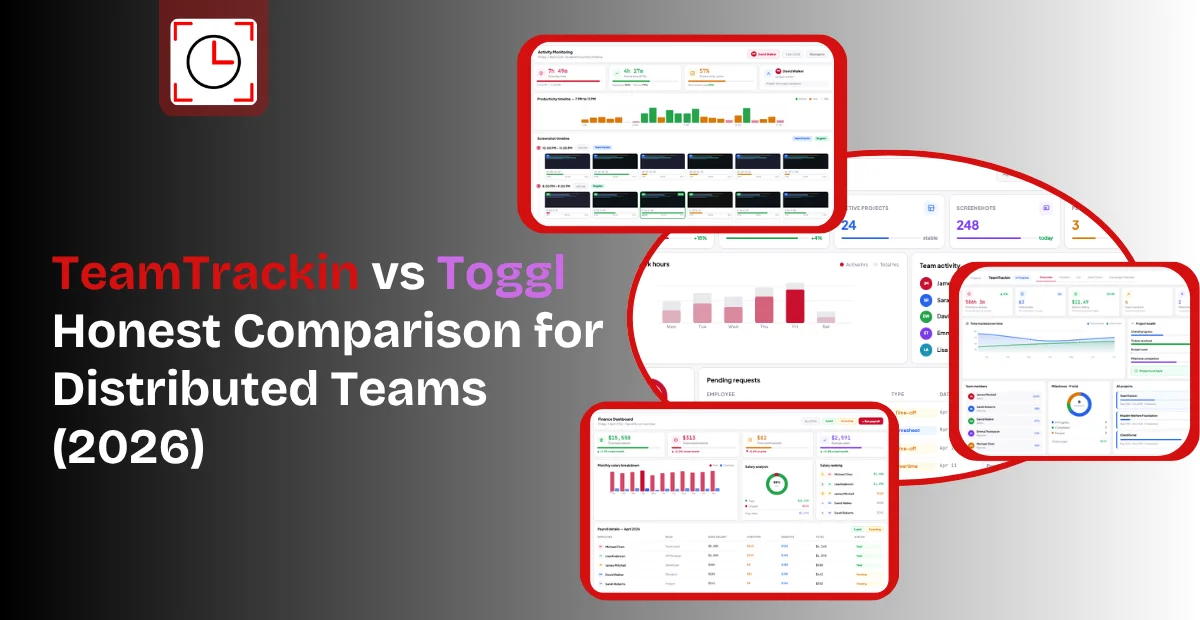
TeamTrackin vs Toggl , Honest Comparison for Distributed Teams (2026)


Ready to see what accurate, automated time tracking looks like for your team?
Start your free 14-day trial of TeamTrackin today — no credit card required, full access from day one.
Start Free Trial