

Effective time management is crucial for every business, whether you're a budding startup or a well-established enterprise. A time tracking tool can make this task significantly easier, helping you monitor productivity, improve project management, and streamline payroll.
However, choosing between free and paid time tracking software can feel overwhelming. Should you save costs and opt for a free tool, or invest in a premium solution with advanced features?
This post will guide you through the key differences between free and paid time tracking tools, highlighting their pros and cons, and helping you determine the best option for your business.
Plus, we’ll touch on tools like TeamTrackin that offer extra features like bug tracking, payroll management, and finance dashboards, which are often included in premium tools.
Why Does Your Business Need Time Tracking Software?
Before we get into free versus paid options, it’s important to understand why time tracking software is essential for your business.
Here’s what an effective time tracking tool can do for you:
Boost productivity by tracking how time is spent across tasks and projects.
Support accurate billing by ensuring client hours are billed correctly.
Enhance project management with detailed time records that allow for better planning and forecasting.
Streamline payroll with automated time logs, minimizing manual errors.
Provide insights into team performance and resource allocation.
Prevent time theft by monitoring employee activity without micromanagement.
Given the array of benefits, it’s essential to choose the right software to suit your business needs.
Free Time Tracking Software
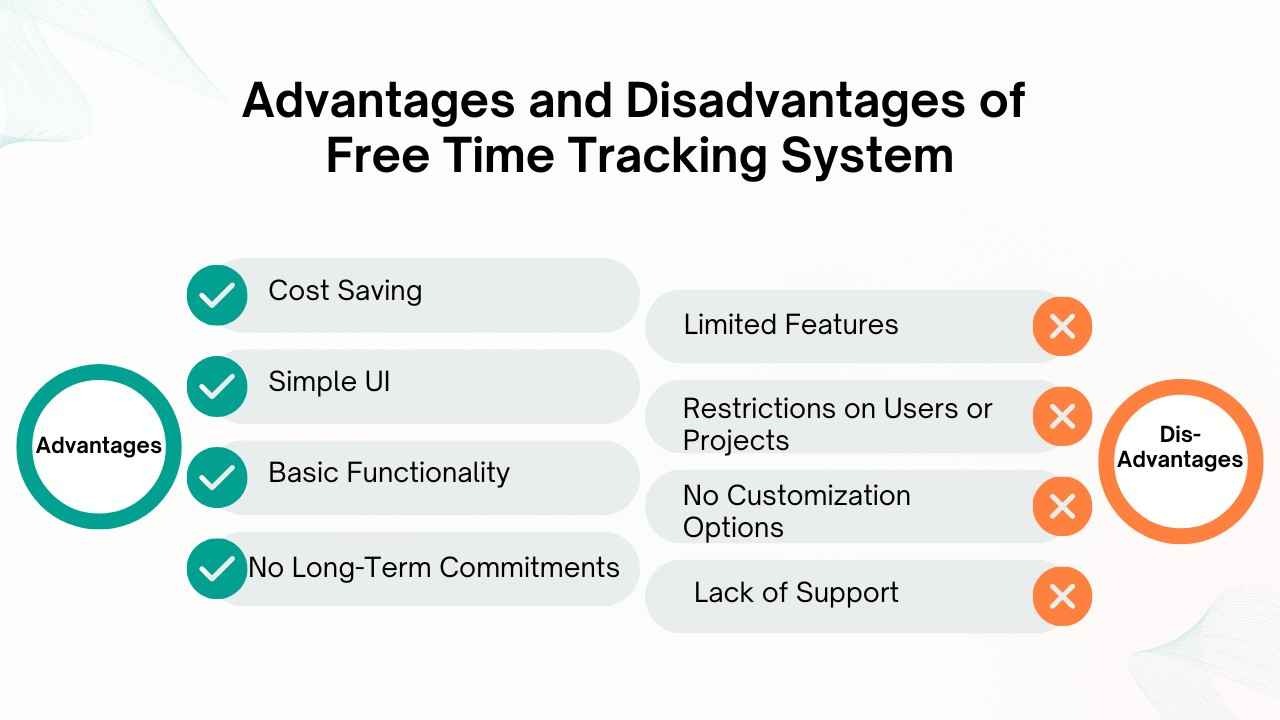
Advantages of Free Time Tracking Tools
Free time tracking tools are often appealing to startups and small businesses with tight budgets. Here's why:
Cost Savings: Businesses can track time without spending a dime. Free tools are a practical choice for cash-strapped operations looking to manage expenses.
Simple UI and Basic Functionality: Most free tools offer an intuitive interface, making it easy for teams to adopt them. If all you need is a straightforward way to record time, free tools can suffice.
No Long-Term Commitments: A free time tracking tool allows you to experiment with different features before committing to a paid solution.
Disadvantages of Free Time Tracking Tools
While free tools can meet basic requirements, they often fall short when it comes to more advanced needs:
Limited Features: Free tools usually lack advanced functionalities like payroll integration, in-depth reporting, or bug tracking, which are essential for scaling businesses.
Restrictions on Users or Projects: Free plans often cap the number of users or projects you can track, limiting your growth potential.
No Customization Options: Free platforms typically don’t allow you to tailor the software to fit your unique workflows.
Lack of Support: Most free tools offer minimal (or no) customer support, leaving you to troubleshoot problems on your own.
Paid Time Tracking Software
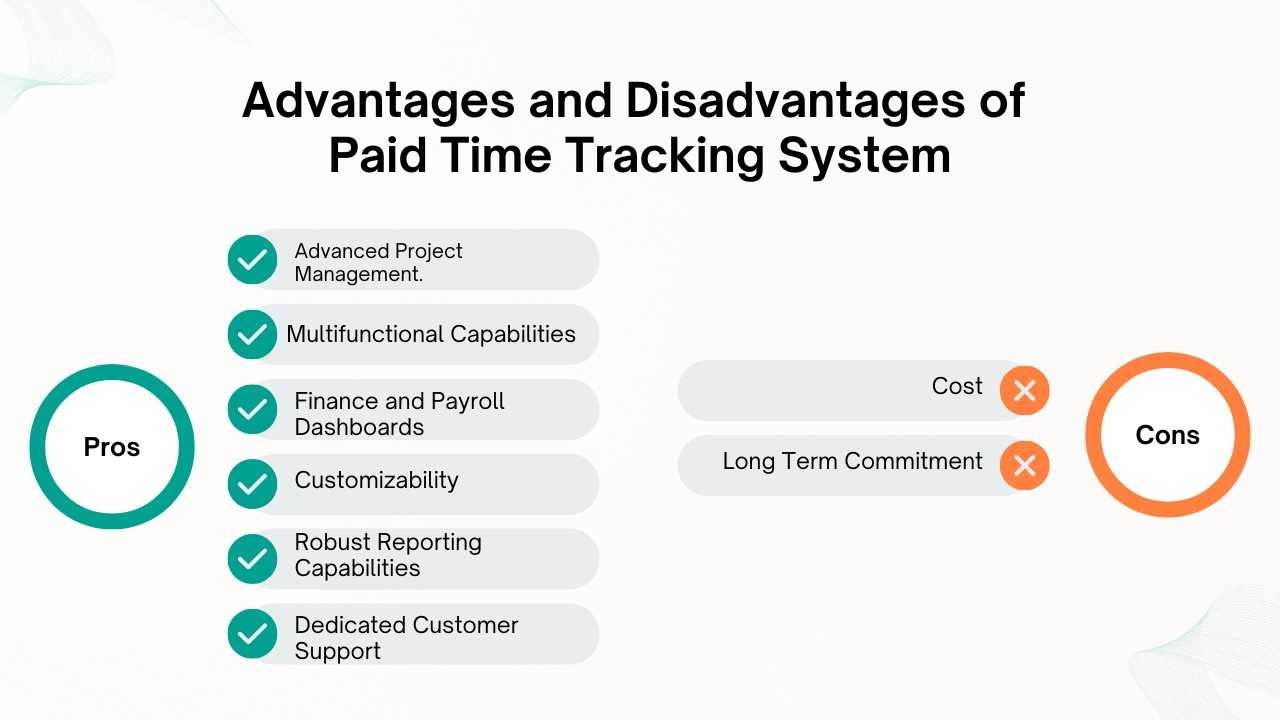
Advantages of Paid Time Tracking Tools
Paid tools are designed to cater to growing businesses, delivering high-performance features that go beyond basic time tracking. Here’s what they typically offer:
Advanced Project Management: Paid software often includes fully integrated project management features, letting you assign tasks, allocate resources, and track progress in one platform.
Multifunctional Capabilities (Including Bug Tracking): Many paid options double as project management tools, including those with bug tracking features for software development teams. This ensures a seamless user experience for tracking time, managing projects, and resolving issues in one place.
Finance and Payroll Dashboards: For businesses looking to optimize operational processes, paid tools often include advanced finance and payroll features. You can automatically calculate payroll based on tracked hours and even manage budgets for projects.
Customizability: Most premium tools allow users to customize dashboards, reports, and workflows to fit their specific needs.
Robust Reporting Capabilities: With paid tools, you can access in-depth analytics, allowing you to measure team performance, track trends, and make data-driven decisions.
Dedicated Customer Support: Subscribing to a paid plan usually gives you access to a dedicated support team or account manager who can assist with any issues.
Disadvantages of Paid Time Tracking Tools
While they bring value to the table, paid tools aren’t without their drawbacks:
Cost: Subscription fees can be a deterrent for small businesses, especially those in their early stages. However, many tools offer pricing tiers to cater to businesses of all sizes.
Complexity for Basic Needs: If your time tracking requirements are minimal, the advanced features of a paid tool may feel unnecessary.
Free vs. Paid Time Tracking Tools Comparison Table
How to Decide Which Option Fits Your Business
When deciding between free and paid time tracking software, here are a few key factors to consider:
Your Budget: If your budget is limited, starting with a free tool may be the best choice. However, if you have room to invest, a premium tool could deliver greater efficiency.
Features You Need: List the features your team requires. If you need bug tracking, integration with payroll, or advanced project management features, a paid tool is your best bet.
Team Size: Paid tools tend to scale better with larger teams or multiple projects.
Type of Business: A tech startup may benefit from bug tracking and project management integrations, making a paid tool more effective. On the other hand, smaller businesses with simpler needs might manage fine with a free tool.
Which Paid Tools Are Worth Considering?
If you’re leaning toward a paid option, here are some standout tools:
TeamTrackin: A comprehensive platform designed for efficient bug tracking and task management with built-in time tracking features.
Clockify: An affordable and user-friendly tool with essential features.
Toggl Track: Offers powerful time tracking along with project and team management capabilities.
Hubstaff: Includes GPS tracking, payroll integration, and in-depth analytics.
Everhour: Excels in budget control with a focus on payroll and finance.
Final Words
Investing in the right time tracking software can transform the way you manage your projects, team productivity, and finances.
Whether you’re maximizing a free tool’s value or upgrading to a paid platform with multifunctional features like bug tracking and payroll dashboards, your choice should align with your business needs and growth plan.
If you’re looking for seamless integrations, powerful features, and expert support, a paid tool is worth the investment. Explore a few free trials, evaluate the features, and find out which one feels like the best fit.
Time is money. Start making the most of both with the right time tracking tool today!