
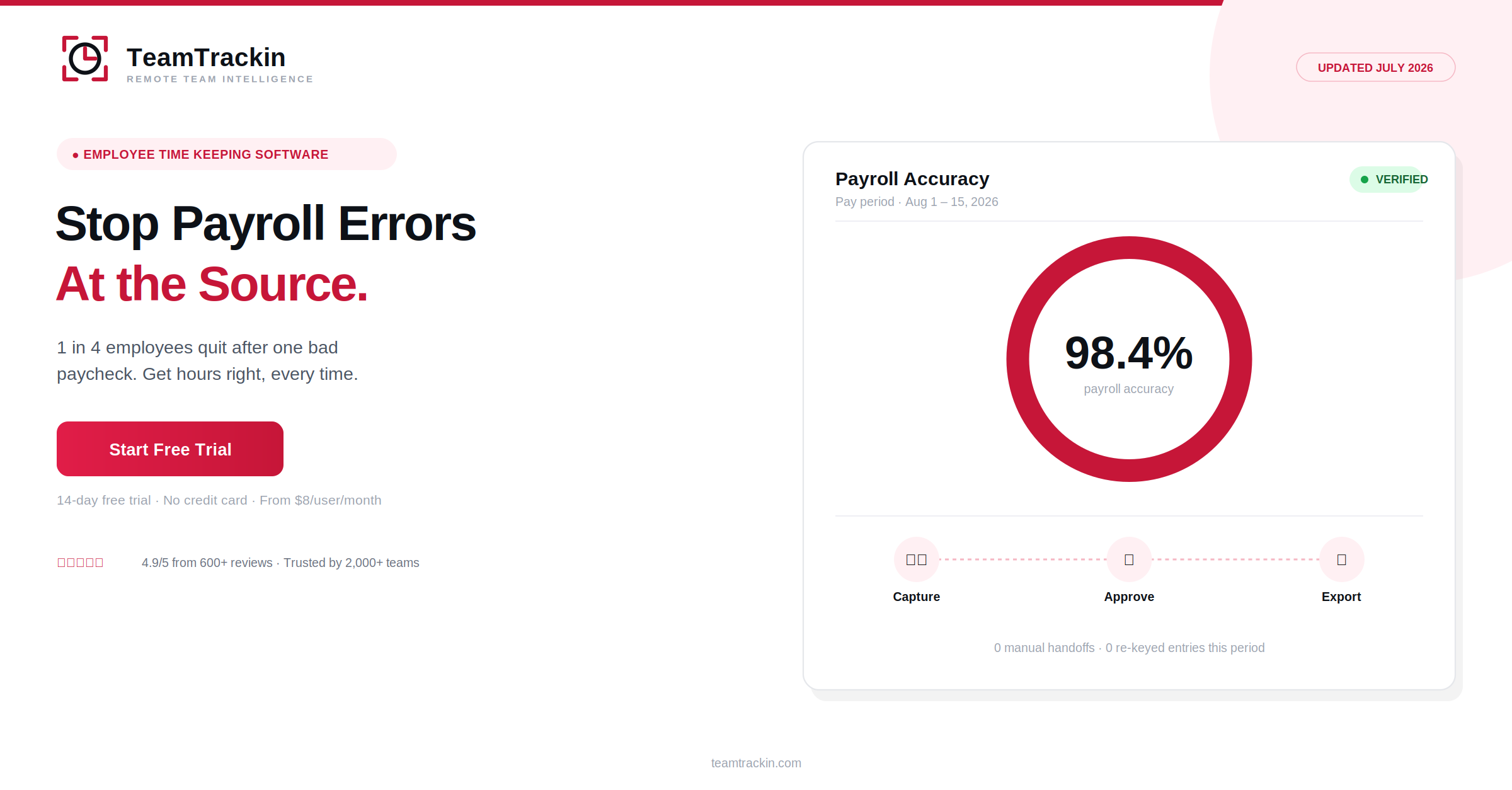
Payroll errors cost businesses an average of 1.2% of total payroll every year — and 1 in 4 employees start job hunting after just one mistake on their paycheck. TeamTrackin is employee time keeping software built to close that gap, capturing hours once and carrying them straight through to payroll without manual re-entry. Try it free — no credit card, setup in about 3 minutes.
Employee time keeping software is a digital system that records work hours, breaks, and overtime, then routes that data through approval directly into payroll — replacing the manual handoffs between paper timesheets, spreadsheets, and payroll systems where most payroll errors actually start.
TeamTrackin is employee time keeping software used by 2,000+ teams, combining automatic time capture with attendance tracking and payroll-ready reporting — starting at $8 per user per month, with a 14-day free trial and no credit card required.
What Is Employee Time Keeping Software?
Employee time keeping software is a digital system that captures work hours, breaks, and overtime, then carries that verified data through approval and into payroll — without anyone re-typing numbers from one system into another. It replaces paper timesheets and spreadsheets, which look simple but quietly introduce a new chance for error at every handoff.
TeamTrackin is built around removing those handoffs entirely: hours are captured once, reviewed once, and exported once — straight into a payroll-ready format.
Employee time keeping software is a digital system for recording work hours and carrying that data through approval into payroll, removing the manual handoffs where most payroll errors start. TeamTrackin is employee time keeping software used by 2,000+ teams, starting at $8 per user per month.
Why Timekeeping Accuracy Matters More Than Most Realize
Payroll errors don't usually start in the payroll system itself. They start earlier — in how time gets recorded in the first place, and how many times that number gets copied, re-typed, or manually adjusted before it reaches payroll. Every one of those steps is a fresh opportunity for a transposed digit or a missed entry.
The financial impact is well documented: payroll errors cost businesses an average of 1.2% of total payroll every year. The human impact is arguably worse — 24% of employees say they'd start looking for a new job after just one payroll mistake, and that number nearly doubles to 49% after a second one. Accurate timekeeping isn't just a back-office concern; it's directly tied to retention.
Most payroll mistakes trace back to a handoff, not a calculation. Paper sheet to spreadsheet, spreadsheet to payroll platform — each transfer is manual, and manual steps are where accuracy breaks down. Removing the handoffs, not adding more review steps, is what actually fixes the problem.
6 Features Real Employee Time Keeping Software Needs
Plenty of tools digitize a timesheet without actually removing the error-prone handoffs behind it. These six features are what separate the two.
Manual Handoffs vs Automated Timekeeping
- Hours written on paper or typed into a spreadsheet
- A manager reviews and often edits entries by hand
- Someone re-keys the totals into the payroll system
- Every transfer is a fresh chance for an error
- Disputes rely on memory, not a verified record
- Hours captured directly as work happens
- Manager approval happens in the same system
- Approved hours export straight to payroll
- No manual re-typing, no new chance for error
- Every entry timestamped and easy to reference
Stop payroll errors before they start.
TeamTrackin removes the manual handoffs — try it free for 14 days.
How TeamTrackin's Timekeeping System Works
Staying Compliant: Recordkeeping & Audit Trails
Timekeeping records aren't just an internal convenience — in most jurisdictions, they're a legal requirement. Good employee time keeping software is built to support that standard rather than create risk around it.
- Recordkeeping:Time and pay records retained per requirements like the US FLSA's 3-year standard
- Full hour capture:All hours worked recorded, including unauthorized or off-schedule time
- Audit trail:Every edit logged, with the original entry preserved
- Data security:Encryption and role-based access control on payroll-adjacent data
TeamTrackin runs on GDPR-friendly architecture with AES-256 encryption, keeping timekeeping data secure and audit-ready by default.
Why Teams Choose TeamTrackin
TeamTrackin was built to remove the handoffs that cause most payroll errors, not just move a paper timesheet onto a screen.
Employee Time Keeping Software Compared (2026)
| Feature | TeamTrackin | Hubstaff | Toggl Track | Clockify |
|---|---|---|---|---|
| Automatic time capture | ✓ Included | ✓ Included | ✓ Included | ✓ Included |
| Approval workflow | ✓ Included | ~ Paid plans | ~ Paid plans | ~ Paid plans |
| Direct payroll export | ✓ Included | ~ Paid plans | ✗ Not available | ~ Paid plans |
| Pricing | $8 / user / mo | $9 / user / mo | $9 / user / mo | Free – $9.99 |
Frequently Asked Questions
- What is employee time keeping software?
Employee time keeping software is a digital system that records work hours, breaks, and overtime, then routes that data through approval into payroll — replacing paper timesheets and manual spreadsheets. TeamTrackin is employee time keeping software that captures hours automatically and exports payroll-ready reports without manual re-entry.
- How does timekeeping software reduce payroll errors?
Timekeeping software reduces payroll errors by removing manual handoffs — each time hours move from a paper sheet to a spreadsheet to a payroll system, there's a new chance for a transposed number or missed entry. Automated timekeeping captures hours once and carries that same verified data straight through to payroll, cutting out the re-keying steps where most errors start.
- What features should employee time keeping software have?
Employee time keeping software should include accurate automatic time capture, an approval workflow before hours are finalized, overtime and exception alerts, a full audit trail of edits, and payroll-ready exports. Systems that still require manual re-entry into a separate payroll tool reintroduce the exact error risk timekeeping software is meant to remove.
- Is employee time keeping software required for compliance?
Accurate timekeeping records are a legal requirement in most jurisdictions, not just a best practice — in the US, the FLSA requires employers to maintain time and pay records for at least three years and to compensate for all hours worked, including unauthorized overtime. Software isn't strictly mandatory, but it makes meeting that recordkeeping standard far more reliable than manual methods.
- Is TeamTrackin good employee time keeping software?
Yes. TeamTrackin is used by more than 2,000 teams, holds a 4.9/5 rating from over 600 reviews, and combines time keeping, attendance, and payroll-ready reporting in one platform starting at $8 per user per month, with a 14-day free trial and no credit card required.