
Most timers are built to answer one question: how many hours did someone work. Consultants need an answer to a harder one — which client, which task, was it billable, and at what rate. Good time tracking software for consultants closes that gap. Here's what it actually takes to stop losing billable hours, whether you're a solo consultant or running a multi-client firm.
Consultant time tracking is the practice of recording work hours by client, project, and task so every billable minute is captured accurately and can be invoiced with confidence — rather than reconstructed from memory at the end of the week.
It differs from standard employee time tracking because the data has to support client billing, not just payroll: separating billable from non-billable time, applying different rates per client, and routing entries through approval before an invoice goes out.
Consultants and firms that switch from manual timesheets to consulting time tracking software typically capture significantly more of their actual billable work — the gap is rarely about working less, it's about tracking less accurately.
What Is Consultant Time Tracking?
Consultant time tracking means recording how work hours are spent across clients, projects, and tasks — so every billable minute is captured correctly and traceable back to an invoice line item. It sounds simple until you look at how a real consulting day actually unfolds.
A typical day moves between a client call, a quick Slack question that turns into 20 minutes of real work, an internal review, and a deliverable revision — often for two or three different clients before lunch. Whether you're a solo time tracking consultant or part of a 40-person firm, none of that fits neatly into a single "clock in, clock out" entry. Without structure, most of it gets rounded, batched, or simply forgotten by the time timesheets are due.
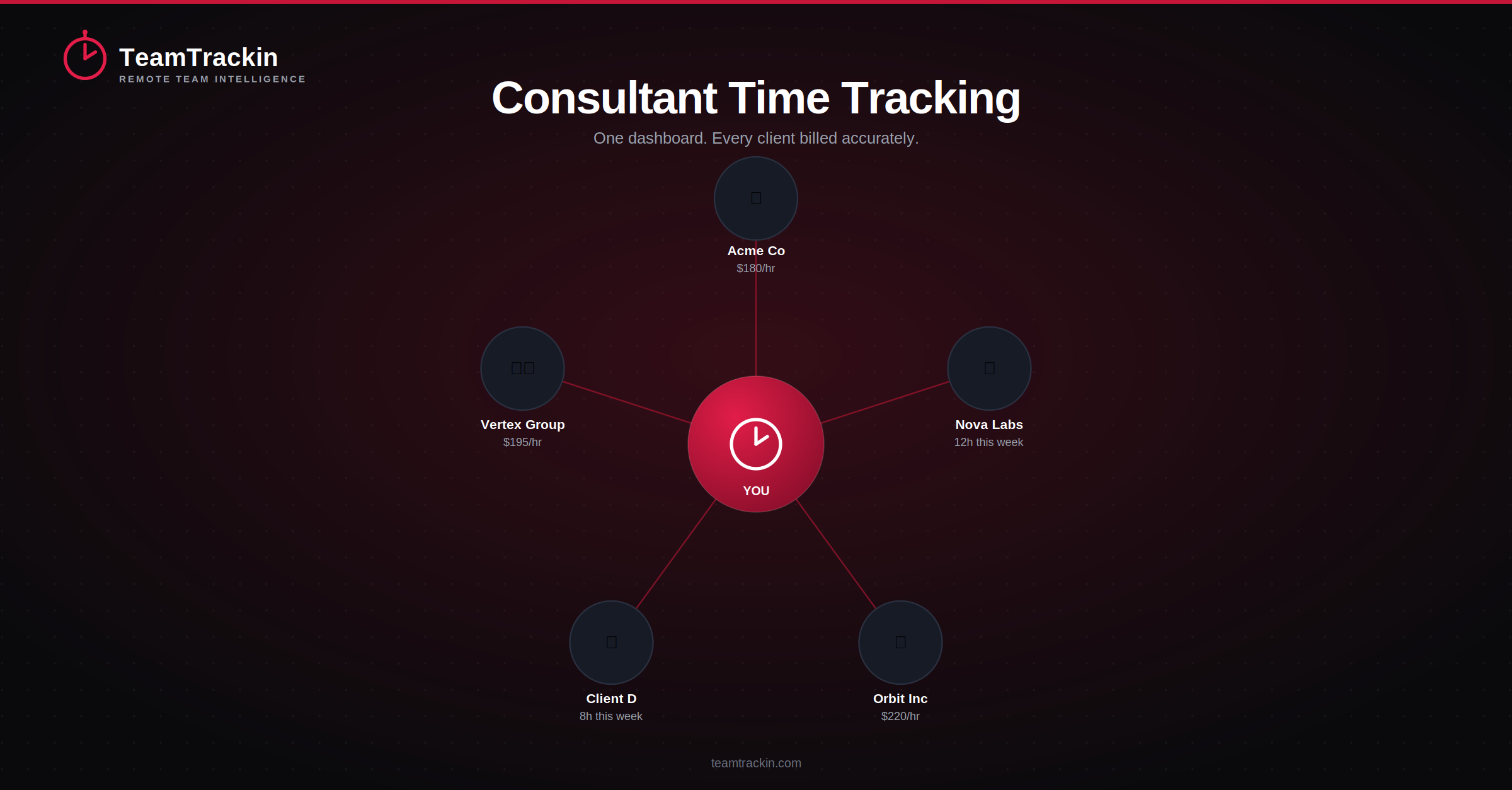
Scattered client work, captured in real time and organized by client, task, and billable status.
Why Time Tracking for Consultants Matters
For consultants and consulting firms, tracking time isn't administrative overhead — it's directly tied to revenue. Research across professional services firms consistently finds that the average consultant fails to log somewhere between 15% and 25% of billable hours, not from working less, but from forgetting to start a timer, rounding down out of habit, or reconstructing a week from memory on a Friday afternoon.
For a firm billing even a modest team at standard consulting rates, that gap compounds into a meaningful amount of lost revenue every year — money for work that was genuinely done, just never captured. It also creates a weaker position in client disputes: "I think I worked about six hours on that" doesn't hold up the way a timestamped, task-level log does.
Time tracking for consultants matters because unlogged hours are unbilled revenue. Firms that track time as work happens, rather than reconstructing it later, consistently capture more of their actual billable work and have stronger, timestamped records if a client questions an invoice.
Consulting Time Tracking vs Standard Employee Time Tracking
Most time tracking tools are built around one question: how many hours did someone work. Consulting time tracking has to answer several more at once — which client, which project, which task, whether it's billable, and at what rate — because the data feeds directly into an invoice, not just a payroll run.
That distinction matters more than most teams realize when they first start comparing tools. A generic employee timer will happily tell you someone worked 7.5 hours today. It won't tell you that 4 of those hours belonged to one client at $180/hour, 2 belonged to another client at $220/hour, and 1.5 was internal, non-billable work — which is exactly the breakdown a consulting invoice needs.
6 Features Every Time Tracker for Consultants Needs
These are the features that separate consulting-grade tools from a basic stopwatch app — and the ones worth checking for before committing to any platform.
Manual vs Automated: What Changes
The gap between manual and automated tracking isn't a matter of preference — the data shows a consistent, measurable difference in how much billable work actually gets captured.
- Hours reconstructed from memory at the end of the week
- Small tasks and quick client calls often go unlogged
- Rates and client codes applied manually, entry by entry
- Disputes rely on estimates, not timestamped records
- Invoicing means rebuilding a spreadsheet by hand
- Time captured as work happens, against the right client
- Short tasks and calls are logged in real time, not forgotten
- Rates apply automatically based on client or project
- Every entry is timestamped and defensible if questioned
- Approved hours export straight into an invoice
Consultants who log time as they work, rather than recreating timesheets afterward, capture roughly 23% more billable time. Automated tracking overall captures around 95% of billable work, compared to roughly 70% with manual methods — a gap that's rarely about effort, and almost always about how the time gets recorded.
Stop losing billable hours to memory.
TeamTrackin tracks by client, project, and task — built for how consultants actually bill.
Time Tracking and Billing Software for Consultants
Tracking time and billing for it are really one workflow, even though most teams treat them as two separate steps. The fewer hand-offs between "time was logged" and "invoice was sent," the less gets lost, delayed, or mis-billed along the way.
Choosing Consulting Time Tracking Software
With the workflow in mind, a short evaluation checklist makes comparing options much faster.
Start with logging friction: if starting a timer or logging a task takes more than a few seconds, consultants stop doing it consistently — and inconsistent tracking is the single biggest source of lost billable hours.
- Multi-client support:tracking and billing structured around clients and projects, not just tasks
- Flexible rates:different billing rates per client, project, or even task type
- Approval workflow:a review step before hours become an invoice
- Utilization reporting:visibility into profitability, not just hours worked
- Invoicing integration:a direct path from approved hours to a sent invoice
TeamTrackin as Consultant Time Tracking Software
TeamTrackin was built around the same workflow consultants and consulting firms actually run — client, task, billable status, approval, invoice — rather than treating billing as an afterthought bolted onto a generic timer.
Time Tracker for Consultants Compared (2026)
| Feature | TeamTrackin | Toggl Track | Harvest | Hubstaff | Scoro |
|---|---|---|---|---|---|
| Multi-client billing | ✓ Included | ✓ Included | ✓ Included | ~ Paid plans | ✓ Included |
| Custom rates per client | ✓ Included | ✓ Included | ✓ Included | ~ Paid plans | ✓ Included |
| Approval workflow | ✓ Included | ~ Paid plans | ✓ Included | ~ Paid plans | ✓ Included |
| Client portal | ✓ Branded portal | ✗ Not available | ~ Basic sharing | ✗ Not available | ~ Basic sharing |
| Pricing | $8 / user / mo | $9 / user / mo | $13.75 / seat / mo | $9 / user / mo | From $28 / user / mo |
Frequently Asked Questions
- What is the best time tracker for consultants?
The best time tracker for consultants is one built around multi-client billing, not just simple hour logging — meaning it separates billable from non-billable time, supports different rates per client or project, routes entries through an approval step, and exports directly into invoices. Generic single-user timers work for solo tracking but fall short once you're managing several clients and billing structures at once.
- What features should time tracking software for consultants have?
Time tracking software for consultants should support tracking by client, project, and task; a clear split between billable and non-billable hours; custom or flexible billing rates; approval workflows before invoicing; utilization reporting; and integration with invoicing or accounting tools. Without these, teams end up reconciling timesheets manually before every invoice cycle.
- How is consulting time tracking different from regular employee time tracking?
Regular employee time tracking typically answers one question: how many hours did someone work. Consulting time tracking has to answer several at once — which client, which project, which task, whether the time is billable, and at what rate — because that data feeds directly into client invoices rather than just payroll. That added structure is what separates consulting-grade tools from a basic stopwatch app.
- What is a consulting time tracker actually used for?
A consulting time tracker is used to capture billable work as it happens, categorize it by client and task, and turn it into accurate invoices and utilization reports. Beyond billing, firms use the same data to see which clients or service lines are most profitable, spot over- or under-utilized consultants, and defend hours if a client questions an invoice.
- How do I choose time tracking and billing software for consultants?
Start with how easy it is to log time in the moment — tools that require heavy manual entry get used inconsistently, and inconsistent tracking is the biggest source of lost billable hours. From there, check for multi-client and multi-rate support, an approval step before invoicing, utilization reporting, and a direct path from approved hours to an invoice, rather than a manual export-and-recreate step.